
It's the second week of March. Your CPA wants reconciled statements by Friday, the last bank reconciliation you trust is from October, and there's a folder of receipts on the passenger seat of your truck. Anyone running an HVAC company or a home care agency knows how that happens, because the jobs come first every single day.
A remote bookkeeper can get you out of that spot for good, provided you pick one who actually closes your books every month. Plenty of owners learned what's at stake in late December 2024, when Bench, a bookkeeping platform serving tens of thousands of small businesses, shut down with no warning and customers lost access to their records.
In our experience reviewing how small service businesses run their back office, the owners with clean books asked a handful of specific questions before they signed anything. Those questions are below, and they'll help you find the best remote outsourced QuickBooks bookkeeping services online that give you numbers you can act on.
TL;DR Quick Answers
Best Remote Outsourced QuickBooks Bookkeeping Services Online
The best remote outsourced QuickBooks bookkeeping services work inside a QuickBooks file you own and close your books on a set date every month. Price matters less than whether the service keeps your books clean, current, and ready for decisions.
What the best services have in common:
You own the file. Your QuickBooks subscription and admin login, with the bookkeeper on a separate user seat.
A fixed monthly close date. Reconciled bank and card accounts, plus a profit and loss statement and balance sheet on schedule.
Credentials you can check. QuickBooks Certified ProAdvisors listed in Intuit's Find-a-ProAdvisor directory.
A named bookkeeper with a reviewer. You always know who's working on your books.
Direct CPA coordination. Tax season becomes a handoff instead of a scramble.
Security basics. Two-factor authentication and an encrypted portal for documents.
Written scope and fixed pricing. No surprises on the invoice, with catch-up work quoted separately.
Skip any service that keeps your books on a platform you can't export from.
Top Takeaways
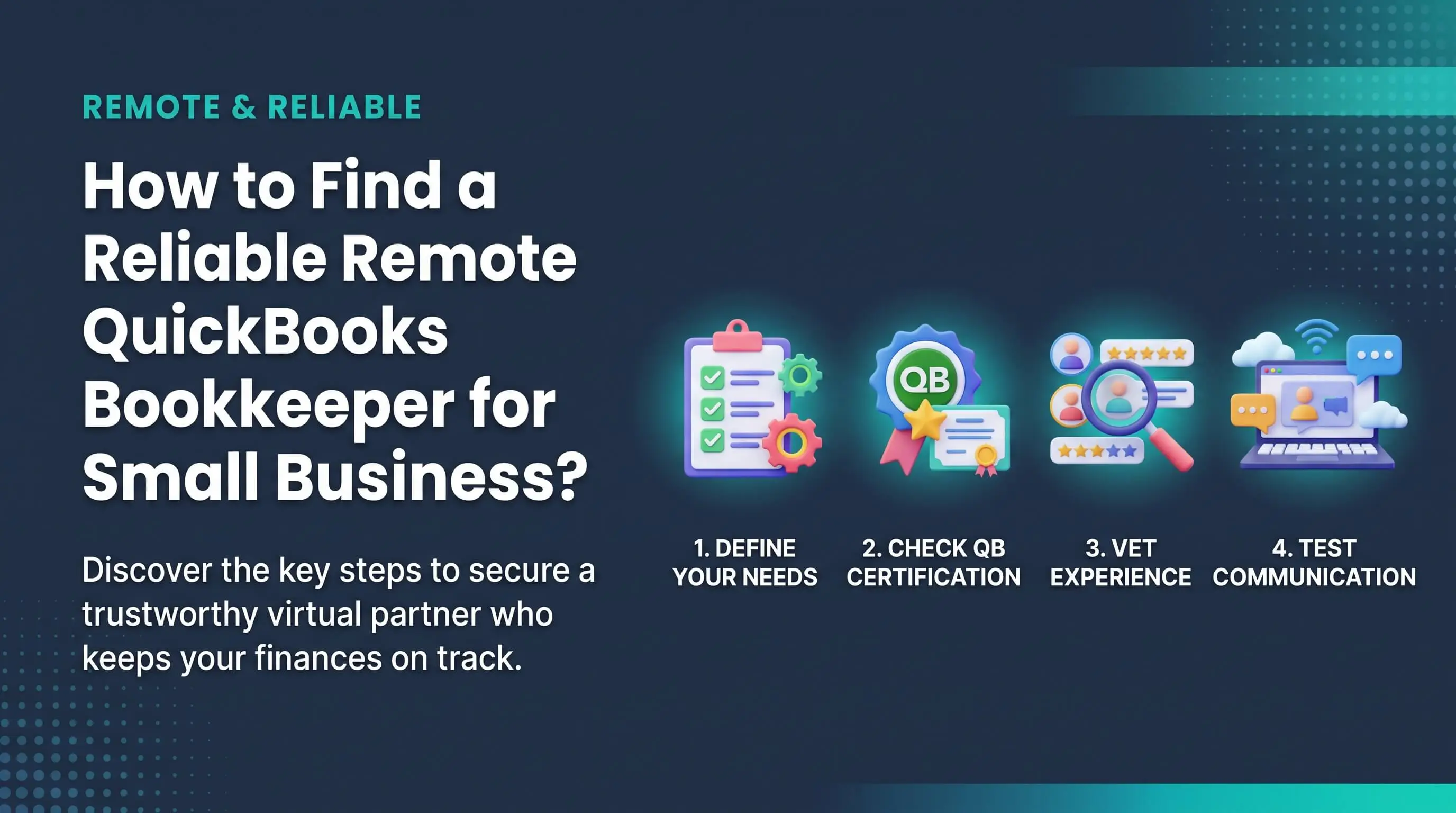
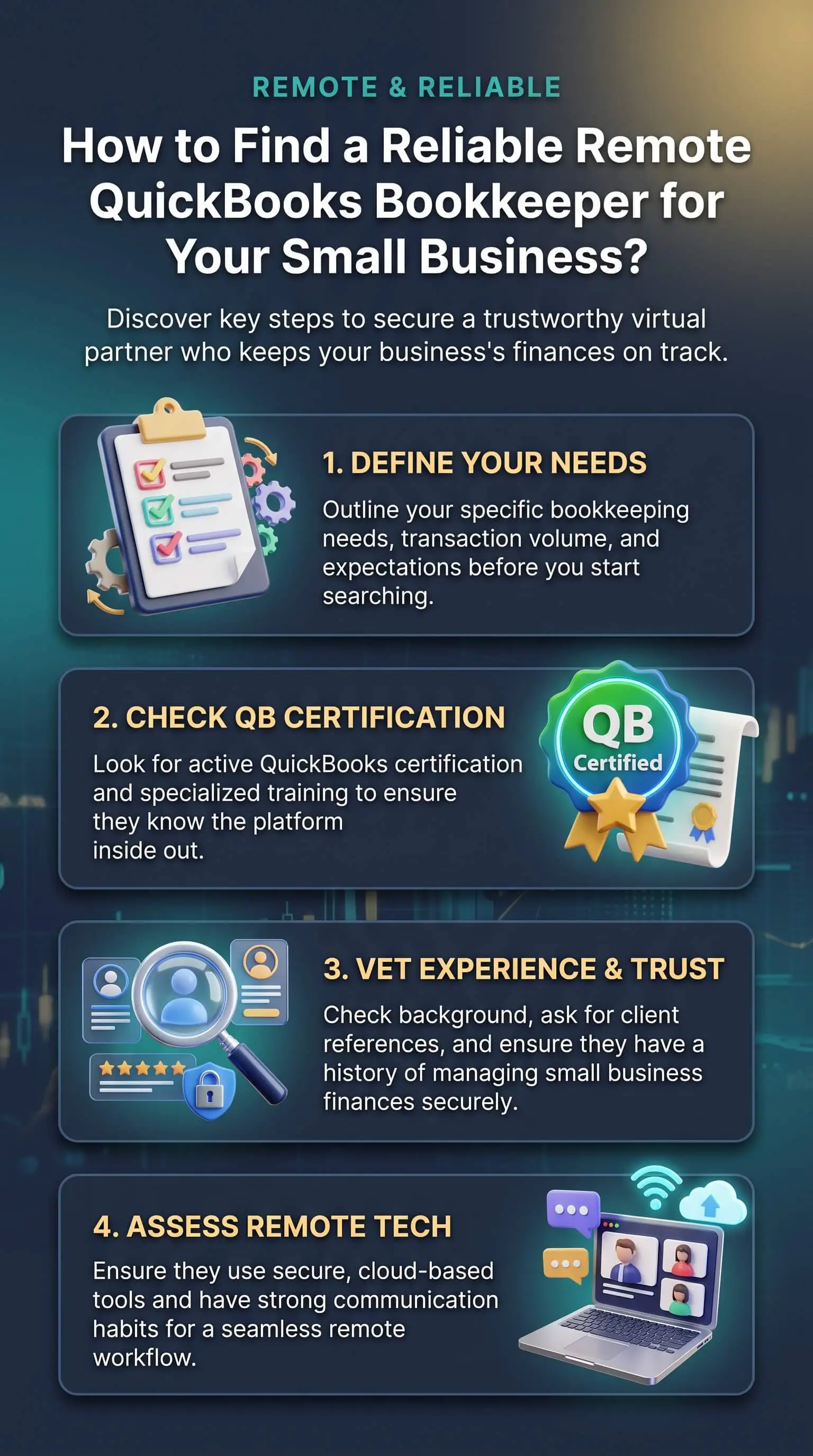
Keep your books in a QuickBooks file you own, and give your bookkeeper a separate login.
Look up ProAdvisor certification in Intuit's directory rather than taking anyone's word for it.
Get a monthly close date and the name of the person doing your books.
Compare what each quote covers before you compare the prices, and get both in writing.
Insist on two-factor authentication and an encrypted portal for documents.
If a provider wants your books on a platform you can't export from, keep looking.
What Does a Remote QuickBooks Bookkeeper Actually Do?
A remote QuickBooks bookkeeper records your transactions in QuickBooks, reconciles your accounts each month, and sends you reports you can make decisions from. Because the work happens online, your bookkeeper's zip code matters far less than whether they close your books on schedule.
Bookkeeping is the daily recording of what comes in and goes out, and everything your CPA does later depends on it. A solid remote bookkeeper usually covers:
Categorizing income, expenses, bills, and deposits
Reconciling bank and credit card accounts every month
Entering bills and scheduling vendor payments
Tracking open invoices and recording customer payments
Posting payroll from Gusto, ADP, or whichever provider you use
Closing the books and sending a profit and loss statement and balance sheet
Ask every provider which of these are in the price. If they can't say, you don't know what you're buying yet.
Start With the Ownership Test
Before you compare prices, ask whose QuickBooks file your books will live in. It should be yours. You pay for the subscription and hold the admin login, and the bookkeeper works from their own user seat.
When a provider keeps your books on its own platform, your financial history depends on that company staying open. Bench customers found out the week between Christmas and New Year's.
With a bookkeeper working inside your file, people can come and go and your history stays put. We like one question in particular here: "If we parted ways tomorrow, what would I walk away with, and how fast?" Good providers answer in a sentence. You keep the file, they remove their access, and any supporting documents come back to you.
Verify QuickBooks Credentials Before You Sign
"Lots of QuickBooks experience" is hard to check, but certification takes about two minutes. QuickBooks Certified ProAdvisors have passed Intuit's certification exam, and Intuit lists them in its Find-a-ProAdvisor directory alongside client reviews.
So ask which team members are certified and at what level, then look them up. And find out who will do your books week to week, because that's often a different person from the one on the sales call.
Industry experience counts too. A home care agency running hourly caregivers and a junk removal company carrying truck and dump fees keep very different books. If you're still starting a small home-service business, a bookkeeper who has set up job-based books before will spare you a painful cleanup down the road.
Questions Worth Asking on the Intro Call
Most firms offer a short intro call before any commitment, and it's the best half hour you'll spend on this decision. Here are the questions we'd bring.
When will my books be closed each month? You want a date, such as the 15th of the following month.
Who works on my books? A named bookkeeper with someone reviewing their work beats one person alone.
Will you work directly with my CPA? The answer should be yes, with a clear handoff at tax time.
I'm behind. How do you handle catch-up work? Ask how many months back they'll go and how it's priced.
How will we stay in touch? A shared portal and a short monthly check-in is plenty for most owners.
Is your pricing fixed or hourly? Either can work, as long as the scope is written down.
What happens if I leave? Expect a clean exit, with nothing held back.
A single vague answer is forgivable, but three of them should end the conversation.
Check Security and Access
Your bookkeeper will see every deposit and every payment you make, so access deserves a few minutes of attention. A trustworthy remote bookkeeper uses their own QuickBooks login and never yours. They require two-factor authentication on anything that touches your money, and they collect documents through an encrypted portal rather than email attachments.
QuickBooks keeps an audit log of every change. Ask your bookkeeper to walk you through it once. The good ones are happy to.
Compare Pricing on Scope, Not Just the Number
Most remote bookkeepers charge a fixed recurring fee based on your transaction volume and complexity. Some bill hourly. Fixed pricing means no surprises when the invoice arrives. Hourly billing can suit a very small or seasonal business, though it tends to creep.
Two quotes that look far apart may cover very different work. One might include reconciliations, payroll posting, and a month-end review, and the other only transaction entry. Many firms also quote catch-up months as a separate project, so ask about that up front.
For a baseline, the U.S. Bureau of Labor Statistics puts the median annual wage for bookkeeping, accounting, and auditing clerks at $49,210 as of May 2024. Add payroll taxes, benefits, and software, and a remote team usually costs less than one in-house hire, with no single point of failure when someone gets sick or quits. If you already watch job-level costs closely, reconciled books make that tracking far more reliable.
When You Need More Than Bookkeeping
Bookkeeping keeps your records current and tax-ready. It doesn't build budgets or shape strategy, and buying the right level of help keeps you from overpaying.
Bookkeeping: Transactions, reconciliations, AP, AR, payroll posting, and monthly reports. The right fit for owners who need accurate, tax-ready books.
Outsourced accounting: Everything in bookkeeping, plus approval workflows, tighter controls, and custom reporting. Better for growing businesses with staff and more moving parts.
Fractional CFO: Budgeting, forecasting, and cash strategy. Worth it when you're planning an expansion or raising capital.
Many firms offer all of these, so you can start with bookkeeping and add more as the business grows.
Red Flags That Should End the Search
Some warning signs show up in the first conversation. Keep looking if a provider:
Wants your books on a proprietary platform you can't export from
Can't give you a monthly close date
Won't tell you who'll be doing the work
Pushes for a large annual prepayment up front
Asks to log in with your credentials instead of their own
Any one of these is reason enough to thank them and move on.
. "When we pick up a new set of books, we check the admin settings before we look at a single transaction. The two things that tell us the most are who controls the QuickBooks file and when someone last reconciled the accounts. Owners who come to us after a bad fit tend to describe the same slide. The old bookkeeper was quick for the first couple of months, then the close started drifting to the 20th, then the 30th, and nobody noticed until the CPA asked for year-end statements in February. The bookkeepers are worth keeping close on a set date and call you when a number looks wrong. And whether you stay with them for ten years or ten months, every record stays yours."
7 Essential Resources
We checked every link below, and each one opens straight to the page described.
A plain overview of what bookkeeping covers and where it hands off to accounting. Worth a skim before your first intro call so the terms sound familiar.
The Small Business Administration's guide to business finances, including cash versus accrual accounting and when to bring in a CPA or a bookkeeper. Its short list of what someone must manage, from receivables and payables to bank reconciliation and payroll, works nicely as a scope checklist.
Explains which records a small business should keep to back up its income and deductions. It's a good reminder that your tax return is only as solid as your bookkeeper's work.
Intuit's own page on how QuickBooks certification works and how ProAdvisors get listed in its directory. Read it before you ask a candidate about credentials.
Federal wage and job outlook data for bookkeepers. Use it to size up what an in-house hire would really cost you.
A day-by-day timeline of the 2024 Bench shutdown and what customers had to do next. If you need convincing that the ownership test matters, start here.
Shows how a QuickBooks-based remote team lays out its bookkeeping scope, from transaction management and monthly reconciliations to the month-end close and working alongside your CPA. Handy as a reference point when you line up what different providers include.
These seven resources help small businesses understand bookkeeping, financial recordkeeping, QuickBooks credentials, provider scope, hiring costs, and service continuity when comparing a virtual outsourced accounting services remote firm.
Supporting Statistics
$49,210 was the median annual wage for bookkeeping, accounting, and auditing clerks in the U.S. in May 2024. That figure covers salary only. Once you add benefits, payroll taxes, and software, a remote team often comes out ahead for a small business.
Source: U.S. Bureau of Labor Statistics, Occupational Outlook Handbook
6% is how much the BLS expects employment of bookkeeping, accounting, and auditing clerks to shrink between 2024 and 2034. Most future openings will simply replace people who retire or change careers, so finding a local hire isn't getting any easier.
Source: U.S. Bureau of Labor Statistics, Occupational Outlook Handbook
35,000+ U.S. customers was the number Bench advertised on its site just hours before it shut down on December 27, 2024. When books sit on a provider's platform rather than the owner's file, one closure can hit that many businesses in a single afternoon.
Source: TechCrunch
Final Thought & Opinion
The Right Bookkeeper Makes Vetting Easy
In our honest opinion, a good remote bookkeeper is easy to check. Ask when your books will close and you get a date. Ask who does the work and you get a name, usually with an offer to show you their access inside your own QuickBooks file. The ones worth trusting can even explain what happens if you leave in a single sentence.
Pay attention to the friction. If a provider gets vague about access or turnaround before you've signed, that's how the relationship will feel once the invoices start.
We'd also steer you away from choosing on price alone. A cheap bookkeeper who falls three months behind costs more by April than a steady, fixed-fee team that closes every month. Researching the best remote outsourced quickbooks bookkeeping services online is a smart first step. Just make sure every name on your shortlist passes the ownership test.
So here's where we land. Keep your books in a file you own, confirm credentials through Intuit, and get the scope and price in writing before anyone logs in. Then choose an outsourced accounting firm for small businesses that reconciles and closes on schedule. Bookkeeping won't suddenly become interesting, but it will become one less thing keeping you up at night.
Frequently Asked Questions
How much does a remote QuickBooks bookkeeper cost?
Most remote bookkeepers charge a fixed weekly or monthly fee set by your transaction volume and complexity, and a few bills by the hour. An owner with two bank accounts and simple payroll, including a small private home care business, will pay much less than one running several locations or heavy invoicing. Most firms quote catch-up work as its own project. Before you compare prices, confirm what each quote includes, especially reconciliations and the month-end review.
Is it safe to give an outsourced bookkeeper access to QuickBooks?
Yes, as long as access is set up properly. Your bookkeeper should have their own QuickBooks login with permissions that fit their role, and should never use your admin credentials. Good providers require two-factor authentication and use an encrypted portal for documents. You stay the owner of the file and can remove their access whenever you like.
What's the difference between a bookkeeper and an accountant?
A bookkeeper records your transactions and keeps your accounts reconciled. Your accountant or CPA uses those records to file taxes and advise you on them. Most small businesses need both, and a good remote bookkeeper works directly with your CPA so tax season feels like a handoff rather than a scramble.
Does my bookkeeper need to be a QuickBooks ProAdvisor?
It isn't required, but it's one of the few credentials you can verify in two minutes. ProAdvisors have passed Intuit's QuickBooks certification exam, and you can confirm their status in Intuit's Find-a-ProAdvisor directory. Look for relevant experience too. Someone who has kept books for service businesses will set yours up to show how you actually make money.
Can a remote bookkeeper catch up on months of messy books?
Yes, and it's more common than most owners think. Many remote firms will reconcile the months you've missed and fix miscategorized transactions before ongoing service starts. Ask how far back they'll go and whether it's a flat project fee. Once you're current, every monthly report you get after that is decision-ready.
Can I switch bookkeepers in the middle of the year?
You can, and it's simple when your books live in your own QuickBooks file. Your new bookkeeper confirms the last reconciled month and picks up from there. Ask the outgoing provider to remove their access and return any documents they're holding. If your books sit on their proprietary platform, request a full export before you give notice.
Ready to Hire a Remote QuickBooks Bookkeeper?
You know what to look for now, starting with a file you own and a close date you can count on. When you're ready for clean books and a team that works like an extension of yours, right inside QuickBooks and alongside your CPA, book a 30-minute intro call with Accountix. There's no obligation, and you'll come away with a clearer picture of where your numbers stand.