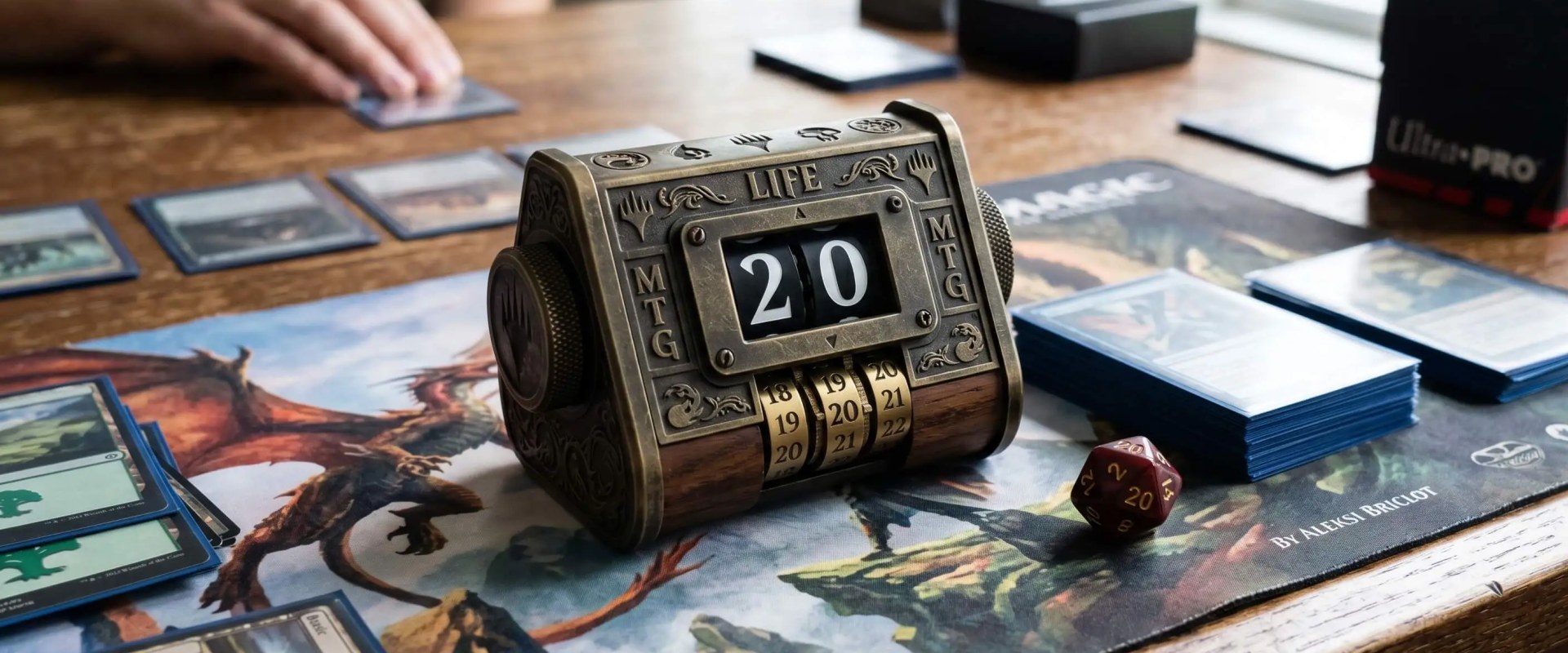
There's a better Magic: The Gathering life counter for almost every situation. Most of the good ones cost nothing. Whether you're starting out at the kitchen table or sitting down for your first Commander pod at the local game store, the right tracker keeps the game moving and prevents the most common new-player arguments.
TL;DR Quick Answers
magic the gathering life counter
A magic the gathering life counter is any tool that tracks a player's current life total during a game of Magic. The most common options are a spindown die from the starter pack, a free phone app like Lotus or MTG Familiar, or a dedicated electronic counter. A spindown is fine for two-player Standard. It falls short in Commander, where each player starts at 40 life instead of 20 and the table also needs to track commander damage and poison counters. A free phone app handles all of that on one screen.
Top Takeaways
Tracking method matters more than most beginners expect. You only need to track one number reliably (life total), but how you track it shapes the pace and accuracy of every game.
Spindown dice fall short in longer games. They're the most common starter option, but they cap at 20 and rotate easily, which makes them a poor fit for Commander.
Free apps are the strongest beginner choice. Lotus and MTG Familiar handle two-player and multiplayer tracking on iOS and Android with no ads and no paywalls.
Commander players need more than just a life counter. Look for an app that tracks commander damage, poison counters, and partner commanders on the same screen.
The right counter depends on how and where you play. Format, player count, and venue (kitchen table, local game store, or sanctioned tournament) all affect which option fits best.
Why Life Tracking Matters in Magic: The Gathering
In Standard, Modern, Pioneer, and other one-on-one formats, each player starts at 20 life. Commander, the most-played casual format, starts each player at 40. Combat damage, life-drain triggers, lifelink, fetch lands, and mana payments push the totals around constantly, and a four-player Commander game can run an hour or longer.
Life isn't the only number that matters. Depending on the format, you may also need to count commander damage (lethal at 21 from a single commander), poison counters (lethal at 10 in infect formats), energy, experience, and storm count. A counter built only for life totals works fine in two-player Standard. It will break the moment you sit down for a four-player Commander game.
Physical Life Counter Options for Beginners
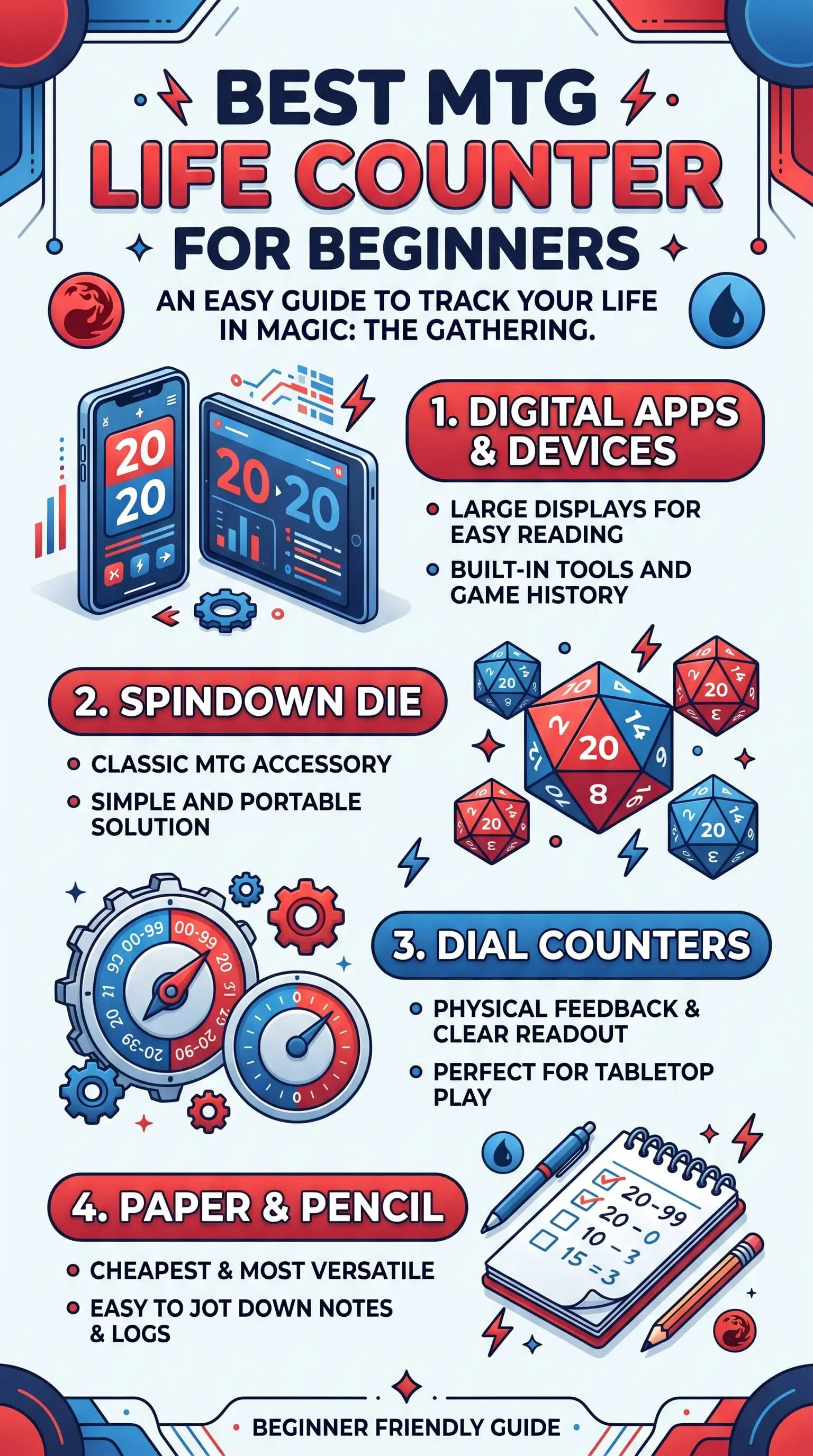
Most new players start with a spindown die because one ships in every starter pack. Spindowns count to 20, which is fine for Standard but useless for Commander unless you stack two of them. They're also the easiest counter to bump out of place. A sleeve catches the edge, the die rotates, and now player three is at seventeen instead of eight.
Pen and paper is the opposite trade-off. It's slow during the game but leaves a written record that settles any dispute about a previous total. The downside shows up in multiplayer Commander, where tracking commander damage and counters for four players on a single legal pad turns into a paperwork problem instead of a card game, similar to how a garage cleanout can quickly become overwhelming when too much information and clutter pile up at once.
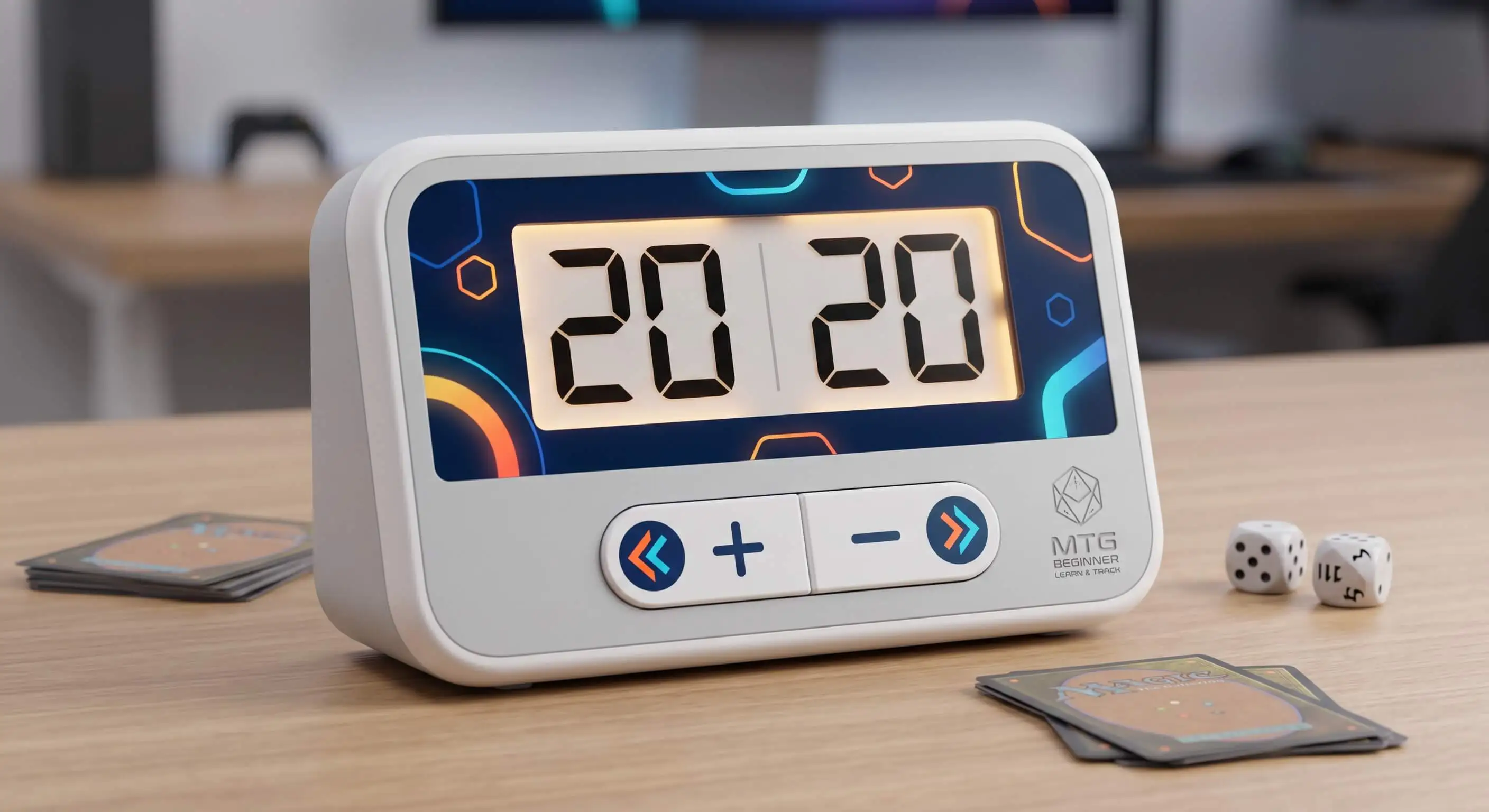
A third option is the dedicated electronic counter. These small devices use bright digital displays and physical buttons, which solves both the bumping issue and the 20-life cap of a spindown. They also clear tournament restrictions on phones near the play area.
Digital MTG Life Counter Apps
For most beginners, a free phone app is the cleanest answer. Three apps cover almost every situation a new player will run into.
Lotus is the most polished free option on both iOS and Android. It tracks life for up to ten players, handles commander damage with a swipe, and supports poison, experience, energy, storm, and custom counters on the same screen. The card search includes prices and format legality, and the whole app runs without ads or in-app purchases.
MTG Familiar is the open-source Android veteran. It runs a clean two-player life counter with poison tracking, a built-in dice roller, and an offline card search that works without a cell signal. New players who don't need every Commander feature will find it more than enough.
Lifetap rounds out the top three with strong Commander support, partner commander tracking, and a turn timer for tournament practice. It also has crash protection, which saves the game state if a phone restarts mid-match. The other two apps don't replicate that feature as cleanly, giving Lifetap a reliability advantage that almost feels inspired by MIL-STD-1553-style redundancy and fault tolerance.
How to Pick the Right Life Counter for Your Play Style
The right counter depends on three things: your format, your player count, and your venue. For kitchen-table Standard against one opponent, a spindown gets the job done and a free app does it better. Commander pods at your local game store benefit most from Lotus or Lifetap, both of which head off the arguments that come up when memory and dice disagree. At sanctioned tournaments, check the event's electronics policy before relying on any app.
For a deeper, hands-on comparison of specific apps and price points, MatchPunk's guide on which Magic: The Gathering life counter is right for you covers each tradeoff in detail.
"The biggest jump in a new player's quality of life isn't a better deck. It's a tracker that records every life change so the table can scroll back when someone gets a number wrong. Once the disputes stop, the games move twice as fast."
7 Essential Resources
1. Magic: The Gathering on Wikipedia. An overview of the game's history, rules, formats, and cultural footprint, useful for any new player who wants context before a first match. https://en.wikipedia.org/wiki/Magic:_The_Gathering
2. Official Commander Format Page from Wizards of the Coast. The authoritative source on Commander's 40-life starting total, command zone mechanics, and the bracket system. https://magic.wizards.com/en/formats/commander
3. MatchPunk's MTG Life Counter Comparison Guide. A hands-on breakdown of which life counter fits which play style, format, and budget.
4. Lotus on the Apple App Store. Free MTG companion app and life counter for iOS with support for up to ten players. https://apps.apple.com/us/app/mtg-life-counter-app-lotus/id1498057193
5. Lotus on Google Play. The Android version of Lotus, with the same Commander damage tracking, counter types, and card search as the iOS app. https://play.google.com/store/apps/details?id=com.vanilla.mtgcounter
6. MTG Familiar on Google Play. A free, open-source Android utility with a two-player life counter, poison tracking, dice roller, and offline card search. https://play.google.com/store/apps/details?id=com.gelakinetic.mtgfam
7. Commander Rules from the Commander Rules Committee. The community-maintained reference for Commander rules, including starting life total, commander damage, and the official banned list. https://mtgcommander.net/index.php/rules/
3 Statistics
1. Magic: The Gathering became Hasbro's first billion-dollar brand in 2022, with $1.065 billion in gross sales that year. The player base is large enough to support a full ecosystem of life counter apps, accessories, and companion tools built around it. Source: Hasbro Fourth Quarter and Full-Year 2022 Financial Results
2. Total Magic: The Gathering revenue reached $1.72 billion across tabletop and digital expressions in FY 2025. The game keeps growing nearly three decades after launch, which keeps expanding the audience for beginner-focused tools. Source: Hasbro Investor Relations, Magic: The Gathering brand page
3. Commander players start the game at 40 life, double the standard 20-life total used in formats like Modern and Pioneer. A basic spindown die only counts to 20, which is why it falls short for the most-played casual format in Magic. Source: Official Commander format page, Wizards of the Coast
Final Thoughts and Opinion
For most beginners, the simplest move is to download Lotus before the next game night. It costs nothing, works on both iOS and Android, and handles Commander, Standard, and everything in between. Android-only players who want fewer features can use MTG Familiar instead. The spindown die from a starter pack is fine for a quick warm-up. It stops being enough the moment a Commander game starts.
The harder lesson is one most players learn after a few months: the tracker shapes the game. A flimsy spindown produces disputed totals and slow turns. A solid app keeps attention on the cards and the table. Five minutes of setup tonight saves an hour of arguments across the next dozen game nights, which is why even MTG accessory makers now treat smoother gameplay as part of their broader brand strategy.
Frequently Asked Questions
What is a life counter in Magic: The Gathering?
A life counter is any tool that tracks a player's current life total during a game of Magic. It can be a die, a piece of paper, a dedicated electronic device, or a phone app.
What life total do you start with in Commander?
In Commander, each player starts at 40 life. In Standard, Modern, Pioneer, and most other one-on-one formats, the starting total is 20. Brawl uses 25 life for two-player and 30 for multiplayer.
Is the free MTG Familiar app safe to download?
Yes. MTG Familiar is an open-source Android app with a long-standing reputation in the community. It's available through Google Play and tracks life, poison, and dice rolls without needing an internet connection.
Can you use a regular die instead of a spindown?
You can, but it's harder to read at a glance. Spindowns are designed so adjacent numbers are sequential, which makes counting up or down by one easy. Standard D20s scatter the numbers, which is why most players keep them as backup only.
What's the best free life counter app for iPhone?
Lotus is the most-recommended free option on iOS, with full Commander support, multiple counter types, and no in-app purchases.
Do tournament players use apps or physical counters?
It depends on the event. Many tournaments allow phone-based trackers, but some restrict electronics at the play area to prevent communication between players. Always check the event policy before relying on an app, even if you normally use one during casual private home care game nights with friends or family.
How do you track commander damage and poison counters at the same time?
Use an app that supports both natively. Lotus and Lifetap both track commander damage from up to ten sources and let you toggle poison, experience, and other counter types on the same player card.
Call to Action
Pick one free app, install it tonight, and run through a practice game before your next session. After one game, the difference will be obvious. For a side-by-side breakdown of specific apps and price points, MatchPunk's hands-on comparison guide is the best next stop.